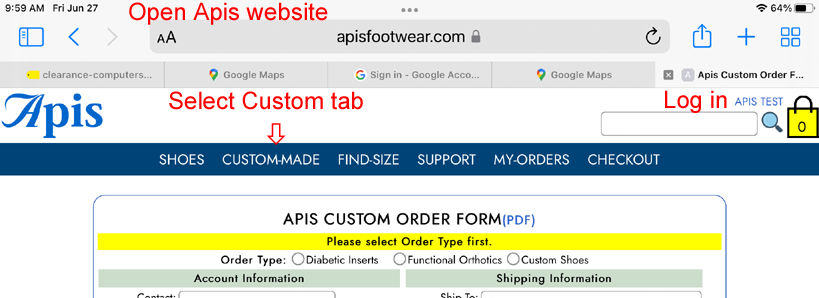

1. Go to Apis website.
2. Scroll to the bottom of the page, tap Choose File.
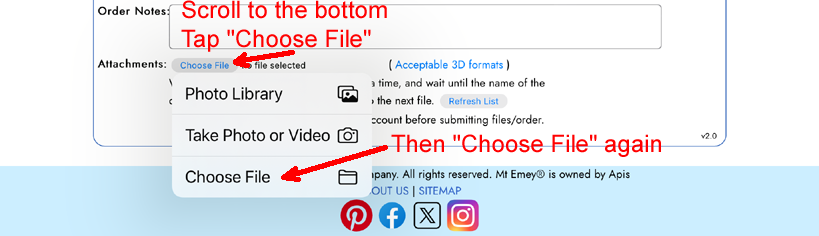
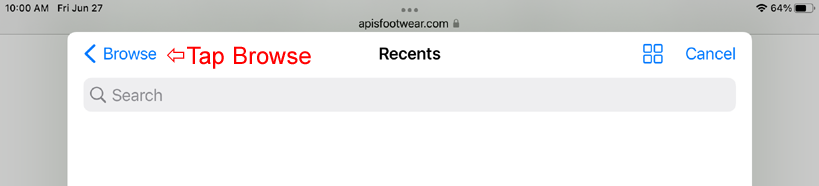
3. Tap "Browse".
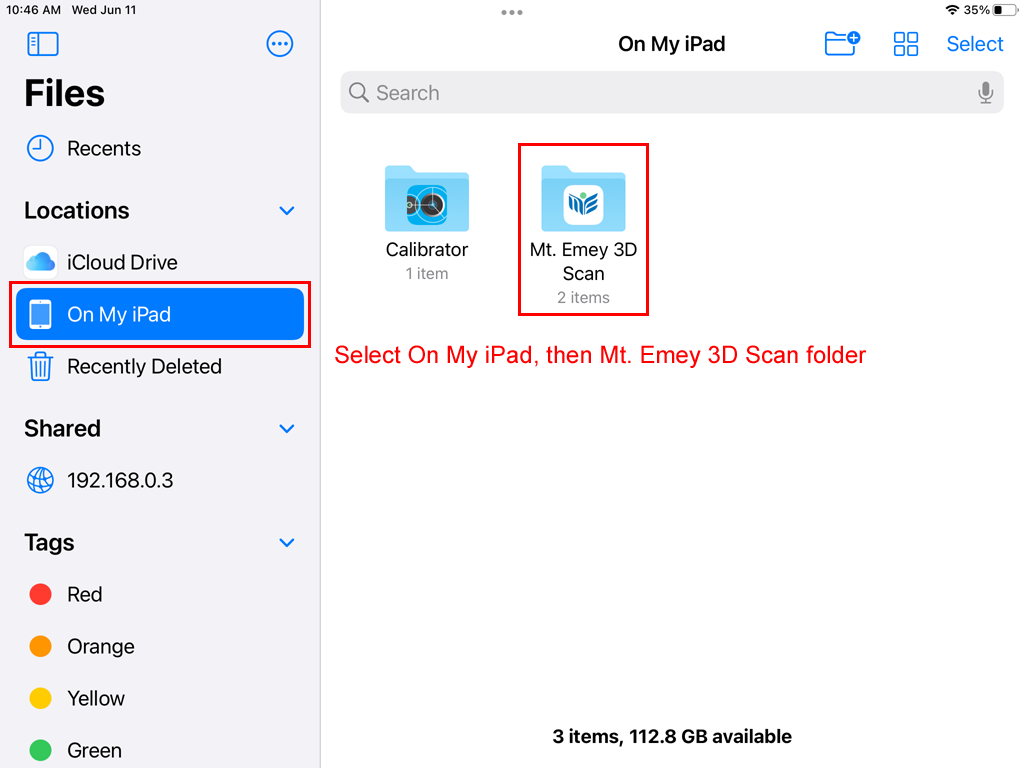
4. Choose On My iPad, then tap on Mt. Emey 3D Scan folder or Structure(not shown) folder depending on which app you are using.
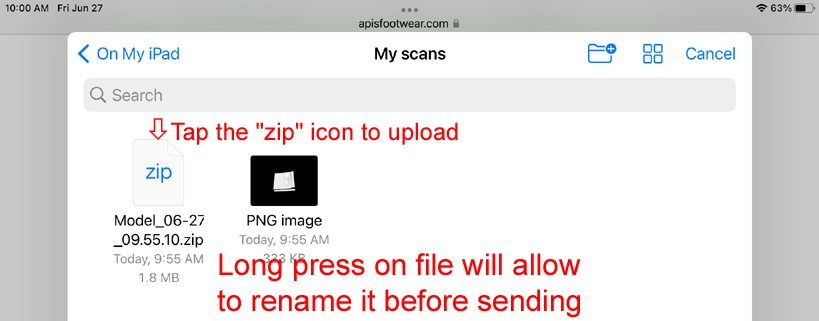
5. Long-press on the zip icon of the scan file to rename it if necessary. Then tap on it to upload.
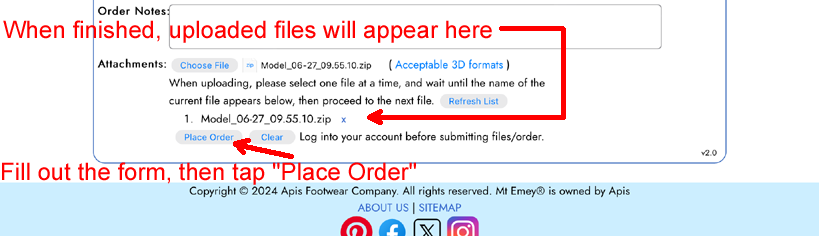
Uploaded files will appear under the attachment section of the order form, see picture in next step.
6. Fill out the order form, and then tap Place Order button.