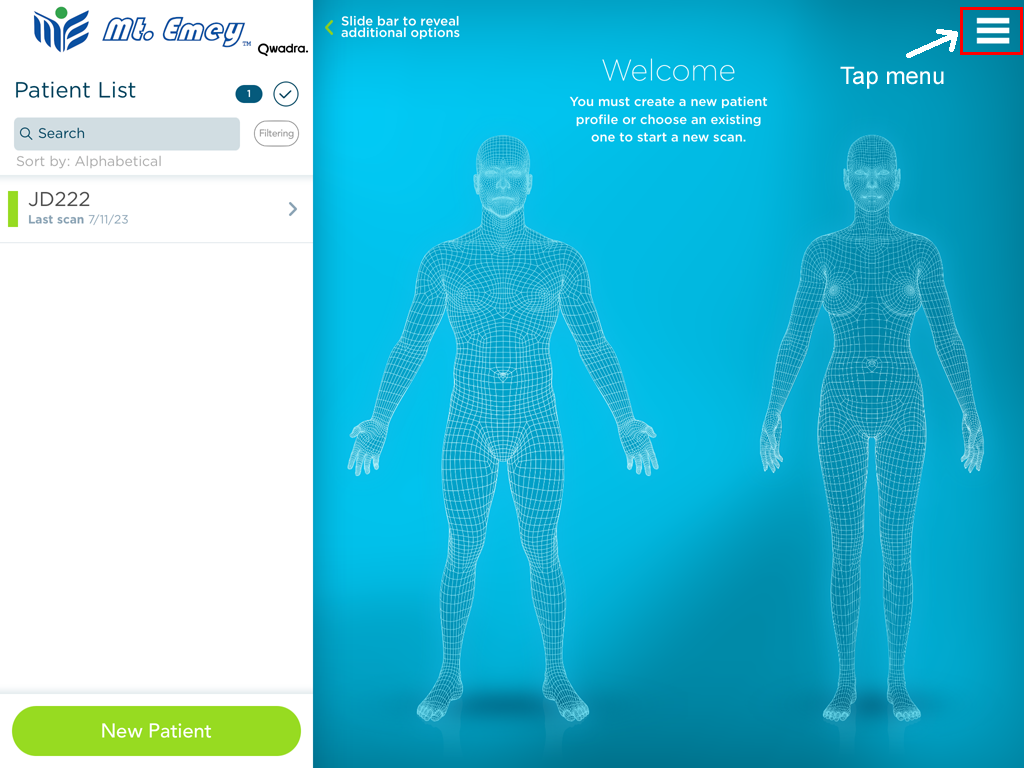
1. Tap Menu within Mt. Emey app
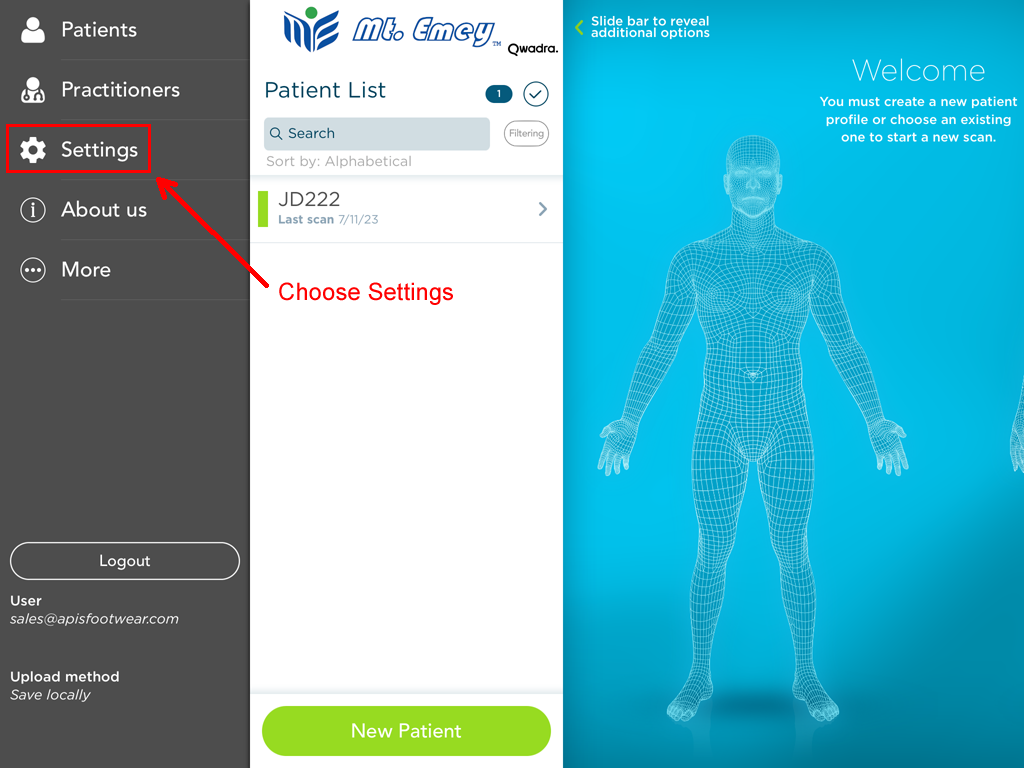
2. Choose Settings
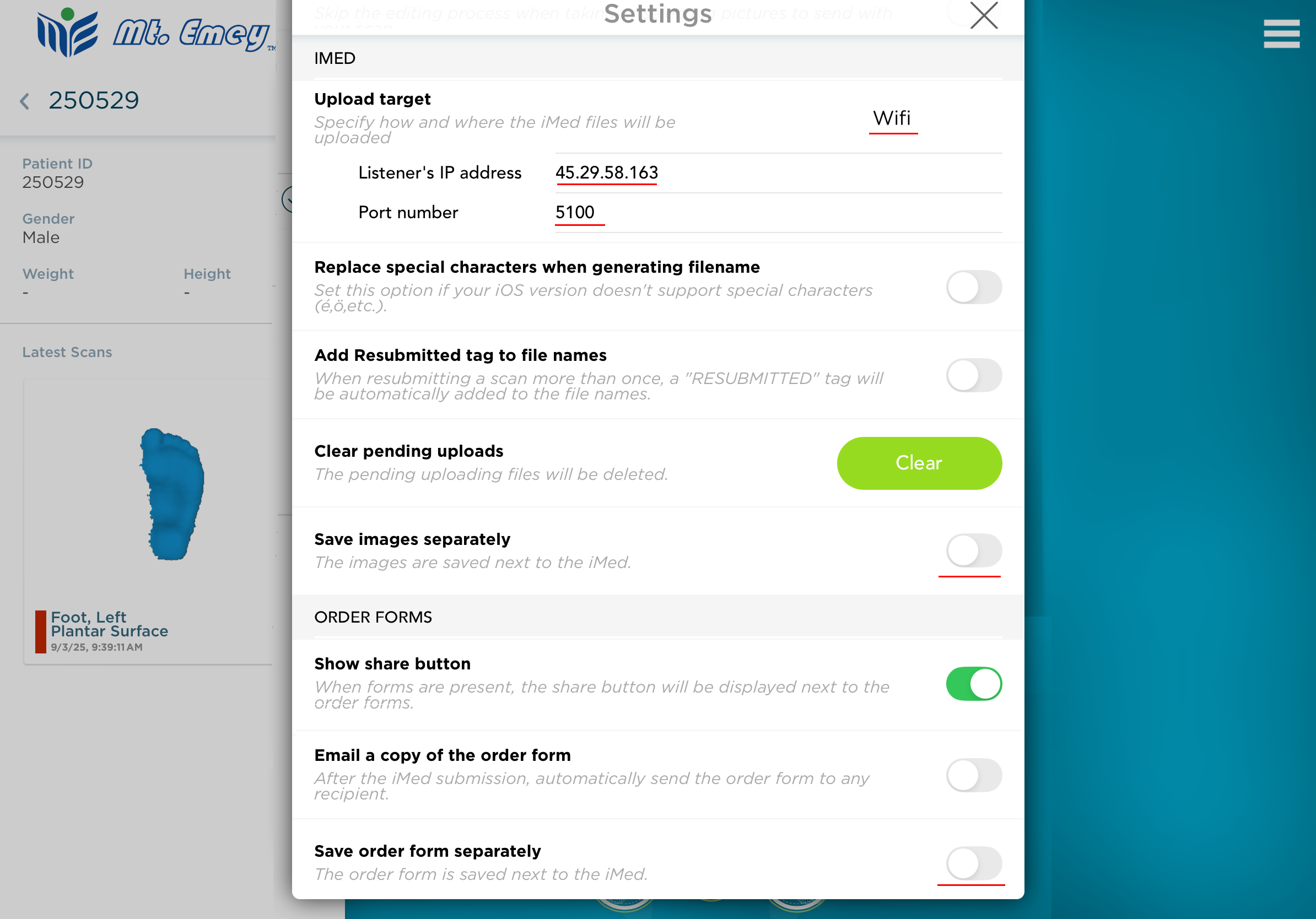
3. Scroll to IMED section, and choose Wifi
- Enter 45.29.58.163 in the Listener IP Address box
- Enter 5100 in the Port box.
- Make sure "Save image separately" and "Save order form separately" options are turned off.
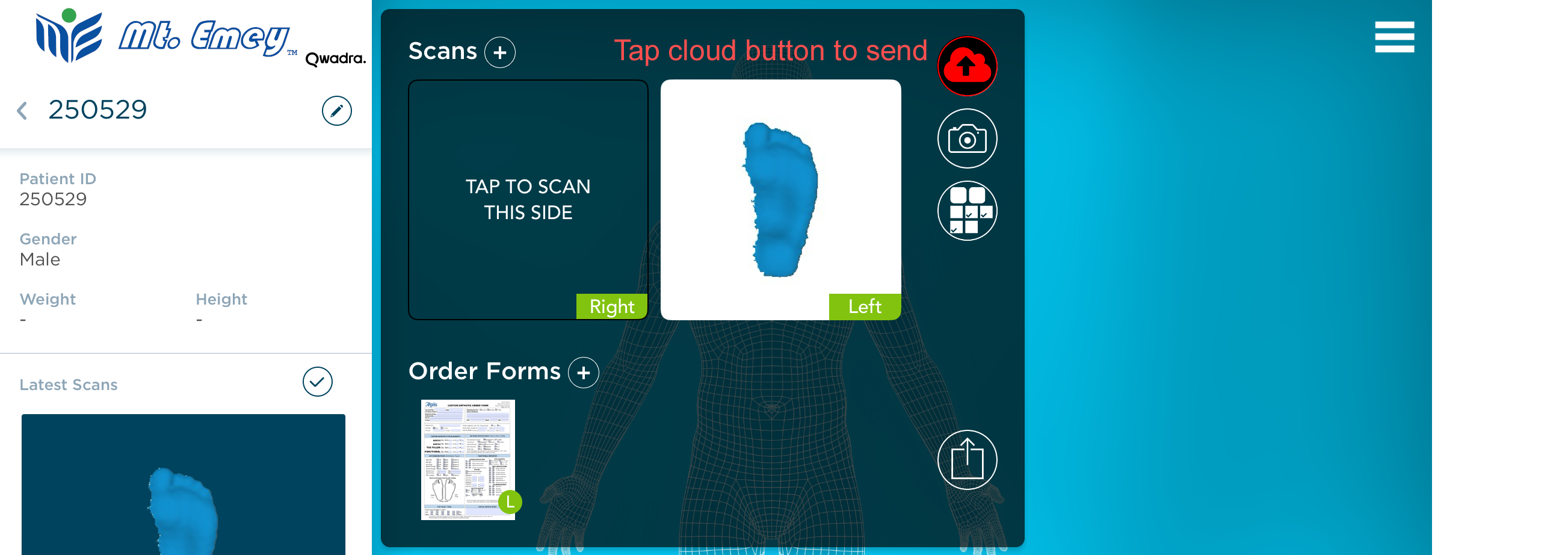
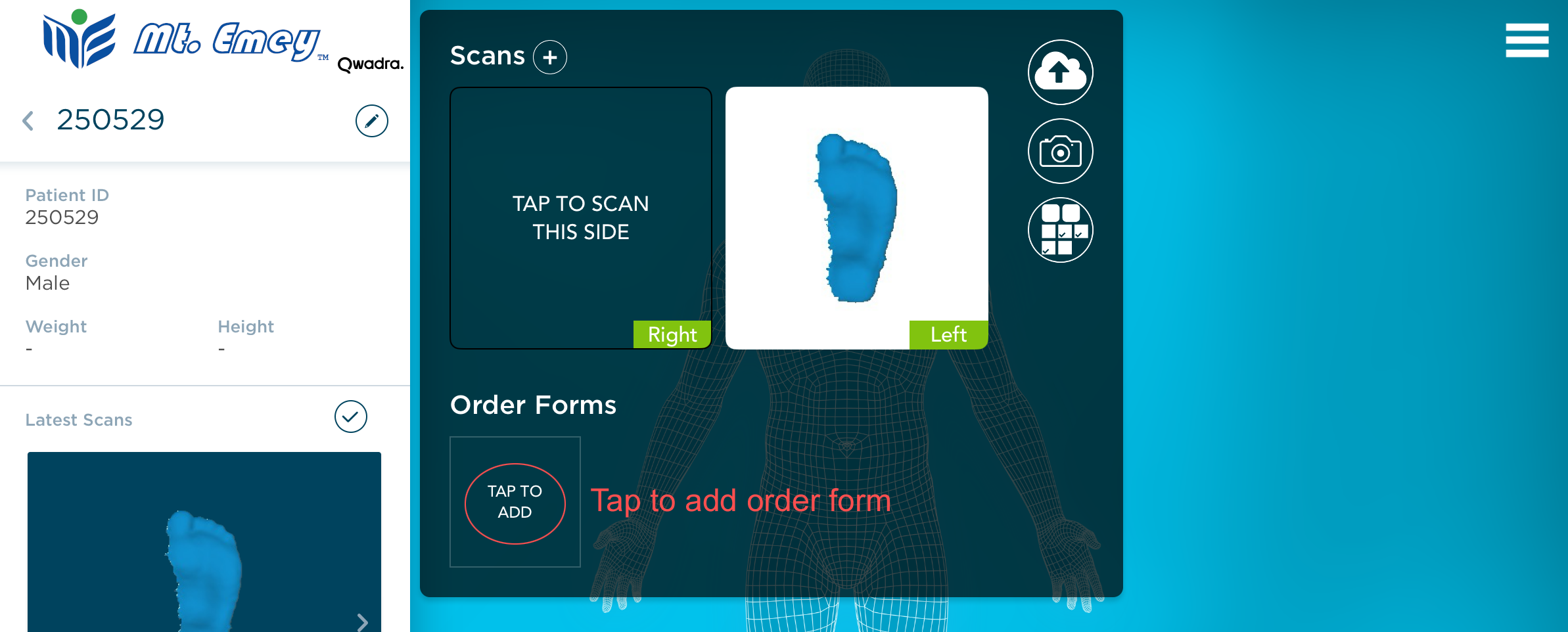
4. Tap "TAP TO ADD" button to add a order form so that we have the complete information for your order
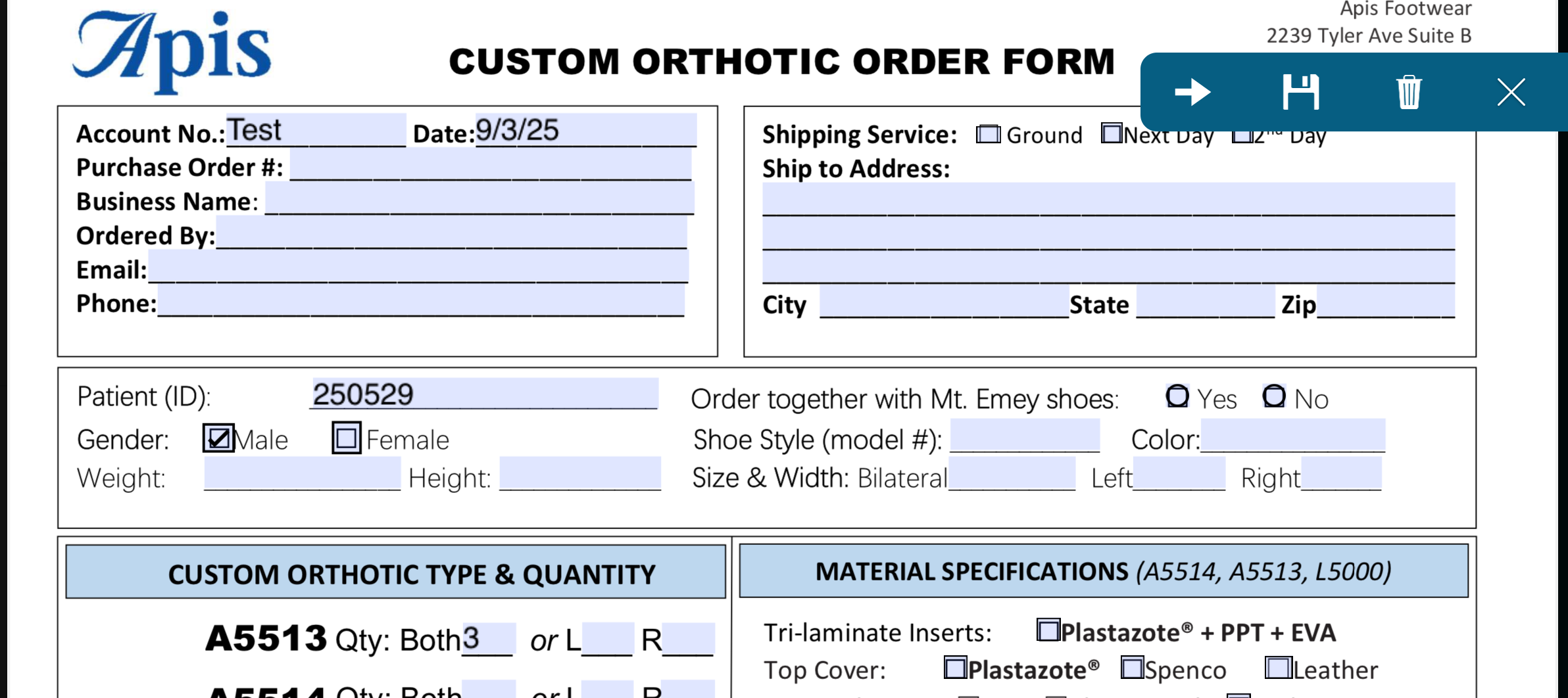
5. Fill the order form.
- Tap the disk icon to save when finished
- Tap the X button to close form
6. Tap the cloud button to send your scan with the order form.
DO NOT tap the up-arrow button next to the order form. This will not work.